
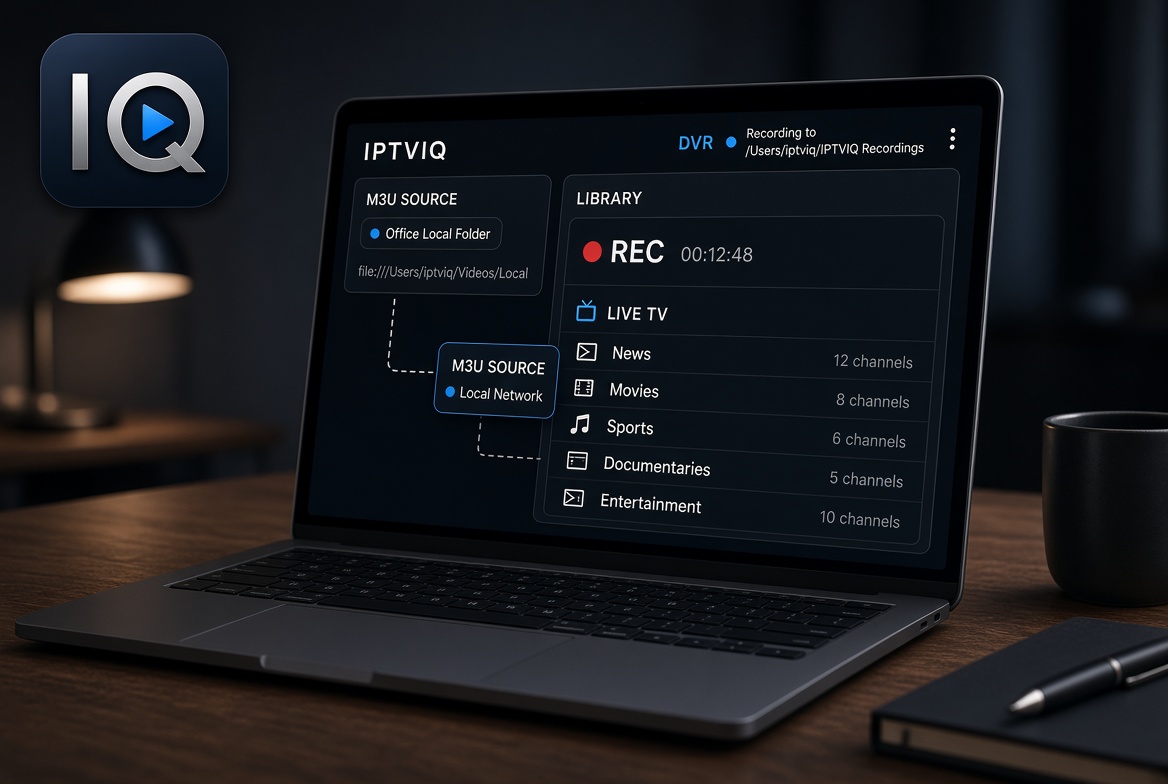
A MacBook is rarely a dedicated TV device. It moves between a desk, a kitchen table, and a bag. Storage is finite. Battery matters. Most IPTV players ignore that reality. They open an M3U, play the stream, and leave recording, organization, and profiles to other apps or to nothing at all.
IPTVIQ is a native macOS player that treats the MacBook as the machine it is. It runs on macOS 14 and later (Universal binary for Apple Silicon and Intel). You bring your own authorized source. The app organizes it and lets you save a live stream to a folder you choose.
What the Player Does with Your Source
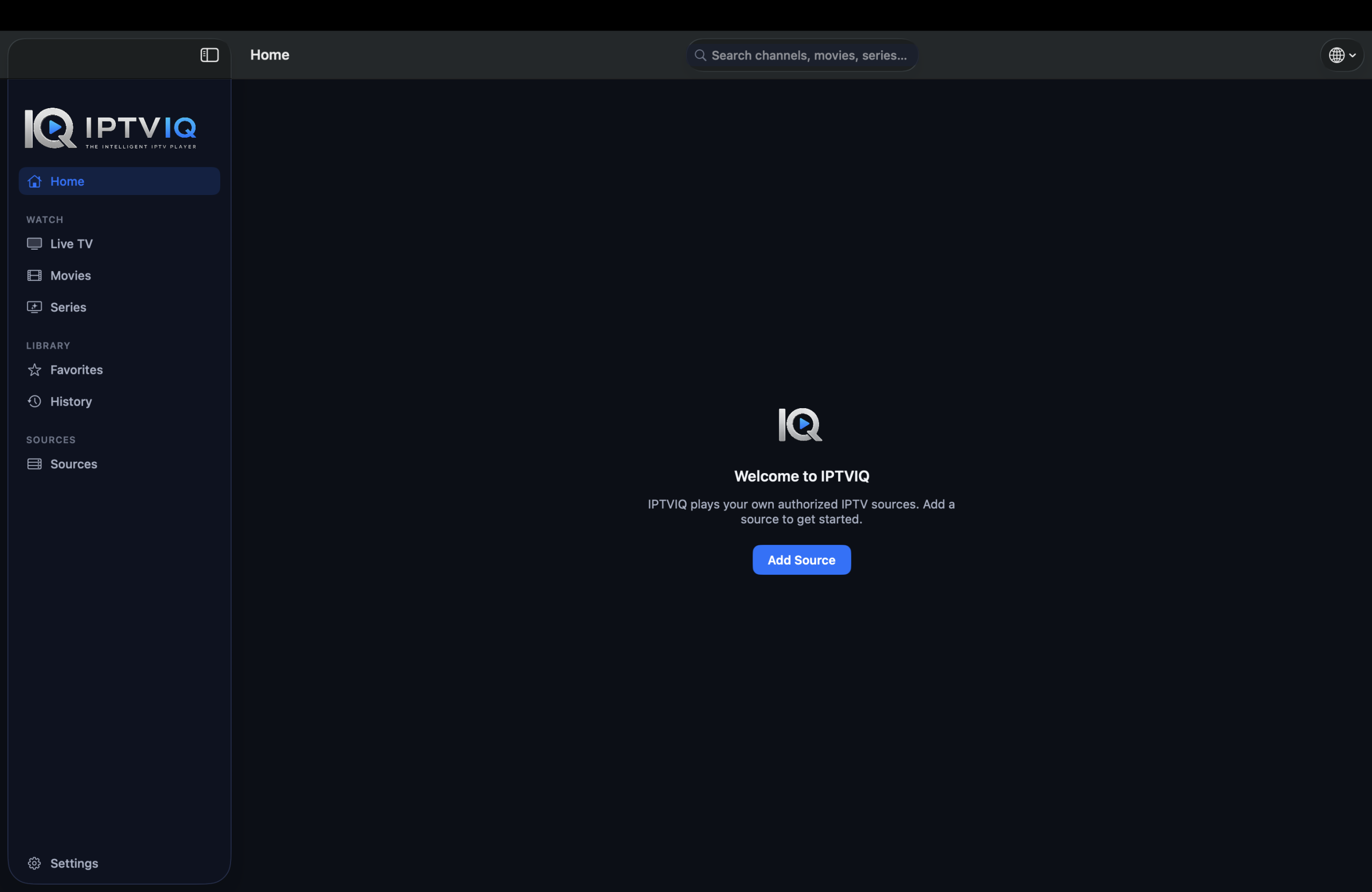
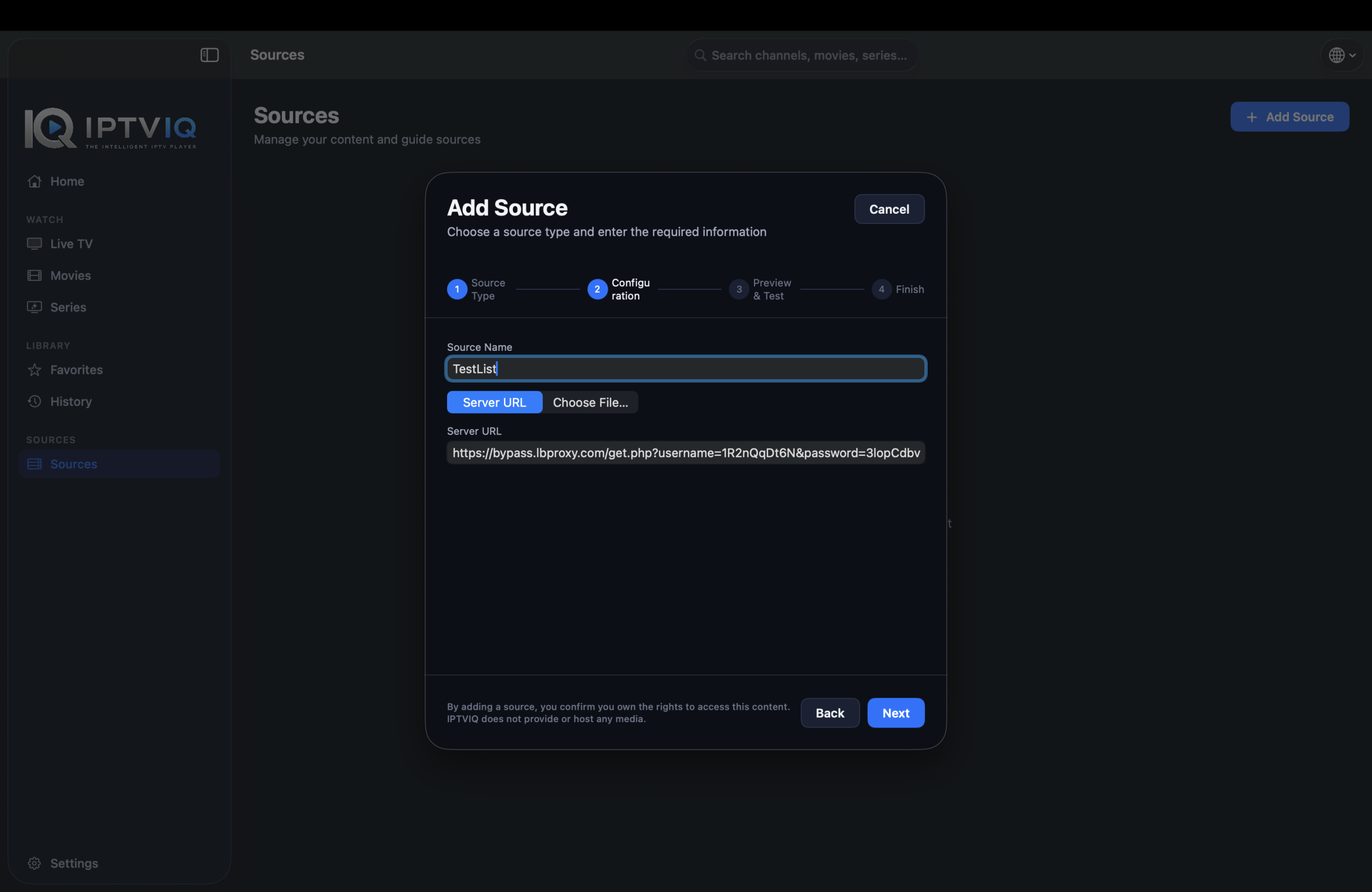
IPTVIQ loads Xtream Codes accounts, remote or local M3U / M3U8 playlists, XMLTV guides, and Stalker/MAG/Ministra portals. Categories, channels, movies and series are parsed and presented as organized sections rather than one flat list. You can add more than one source. Each can use its own proxy setting (Direct, HTTP, HTTPS or SOCKS5) for connection and media traffic. Once imported, Live TV stays in categories. Movies and Series appear separately. Global search works across the catalog.

What It Does Not Do
It does not sell or include any channels. There is no content package inside the app. If your source does not contain a particular stream, the player cannot create it. Playback stays direct from your provider to the MacBook. The free listing means there is no charge for the basic player itself; it does not mean the streams are free.
Local Recording That Stays on the Machine
Manual DVR lets you record a live stream you are authorized to watch and save the file to a folder you choose on your MacBook. This is personal time-shifting only. You remain responsible for rights and local storage. The recording does not go through an IPTVIQ server. On a portable machine with limited space, the ability to pick the folder and stop when you want matters more than a scheduled system that is still planned. Scheduled or EPG-triggered recording is not available yet.
Guide Tools That Reduce Extra Clicks
Where the source or an accompanying XMLTV file provides guide data, a mini-EPG overlay and Now/Next information appear during playback. Numeric channel entry and Recall for the last channel are available. Two streams can play side by side. Smart Recovery detects real playback stalls from brief connection drops and reconnects automatically. These tools work with the data your provider sends.
Profiles on a Shared MacBook
Separate profiles keep history and favorites private even when the same source is loaded. Kids profiles enforce approved-content rules across Home, Search, Guide and playback. The restrictions apply to the whole library. On a MacBook that moves between users, this separation is practical.
Continue Watching and On-Demand
Movies and Series from compatible sources appear as a separate catalog. Continue Watching remembers where you left off. When an episode ends, the next one is available. These features work alongside the live tools once the source is imported.
Current Platforms
The public app today is for macOS 14+. Apple TV is in testing. iOS, iPadOS, Windows, Android and Android TV are planned. Cloud Sync of user state (favorites, resume positions, profiles and Kids rules) is part of the longer roadmap. It would sync settings and library state only; video and recordings stay local or come directly from your provider.
Practical Comparison for MacBook Users
| Capability | Typical Basic Player | IPTVIQ Today | Longer Direction |
|---|---|---|---|
| Organized Live + Movies + Series | Rare | Yes | Yes |
| Manual local DVR to folder | Sometimes | Yes | Yes |
| Mini-EPG / Now Next | Limited | Yes | Yes |
| Continue Watching | Rare | Yes | Yes |
| Profiles + Kids rules | Rare | Yes | Yes |
| Multiview | Rare | Yes | Yes |
| Multiple sources + proxy | Varies | Yes | Yes |
| Other platforms | Mixed | macOS only | Planned |
Who Finds It Useful
This player suits people who already maintain one or more sources and who want them organized on a MacBook with the option to record locally. It is practical if you prefer saving a program to your own folder instead of relying only on provider features. It is less useful if you are looking for channels included with the software itself.
Setup Steps
- Download IPTVIQ from the Mac App Store.
- Add your Xtream, M3U, XMLTV or Stalker source.
- Browse the organized library instead of the raw list.
- Use manual recording to save a live stream to a folder you choose.
Disclaimer
IPTVIQ does not host or supply content. Use only sources you are authorized to access. Recording is for personal time-shifting. Guide accuracy and catch-up availability depend entirely on the provider.
Among the options people consider when looking for the best IPTV app for MacBook in 2026, the ones that stop at opening a playlist leave recording and organization to other tools. IPTVIQ handles the source, organizes the catalog and lets you save live streams locally to a folder you control. Your provider stays yours; the player simply makes using it on a MacBook more practical.


